The game library
Where the catalogue comes from, how every file is identified, and how missing games are found and checked. Cartmark ships with no sources and no firmware; it knows a file by what the file is.
The catalogue
Cartmark keeps its own copy of the game catalogue so it never has to ask the internet what a game is:
- IGDB gives names, release dates, platforms, series and franchises, and the ids each store uses for a game, which is how "owned on Steam" gets linked to the right entry.
- TheGamesDB adds box art, trailers and disc serial numbers, read from its weekly public data file rather than asked one game at a time.
- Wikidata gives character collections, so "every game with Mario in it" is a real list, not a guess from titles.
- No-Intro and Redump, as the libretro database republishes them, give each system's list of known releases with their names, sizes and checksums. MAME's and FinalBurn Neo's lists do the same for arcade sets.
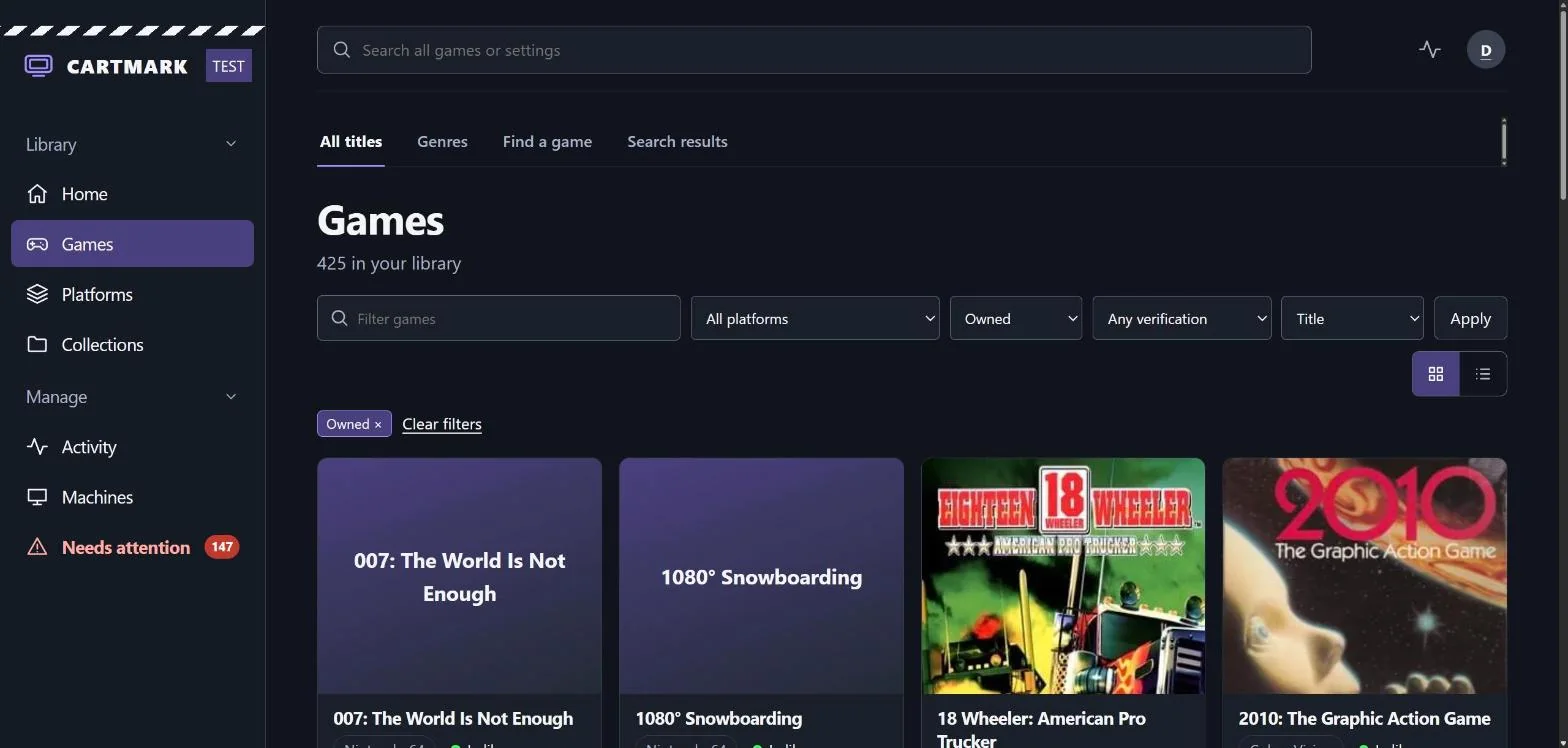
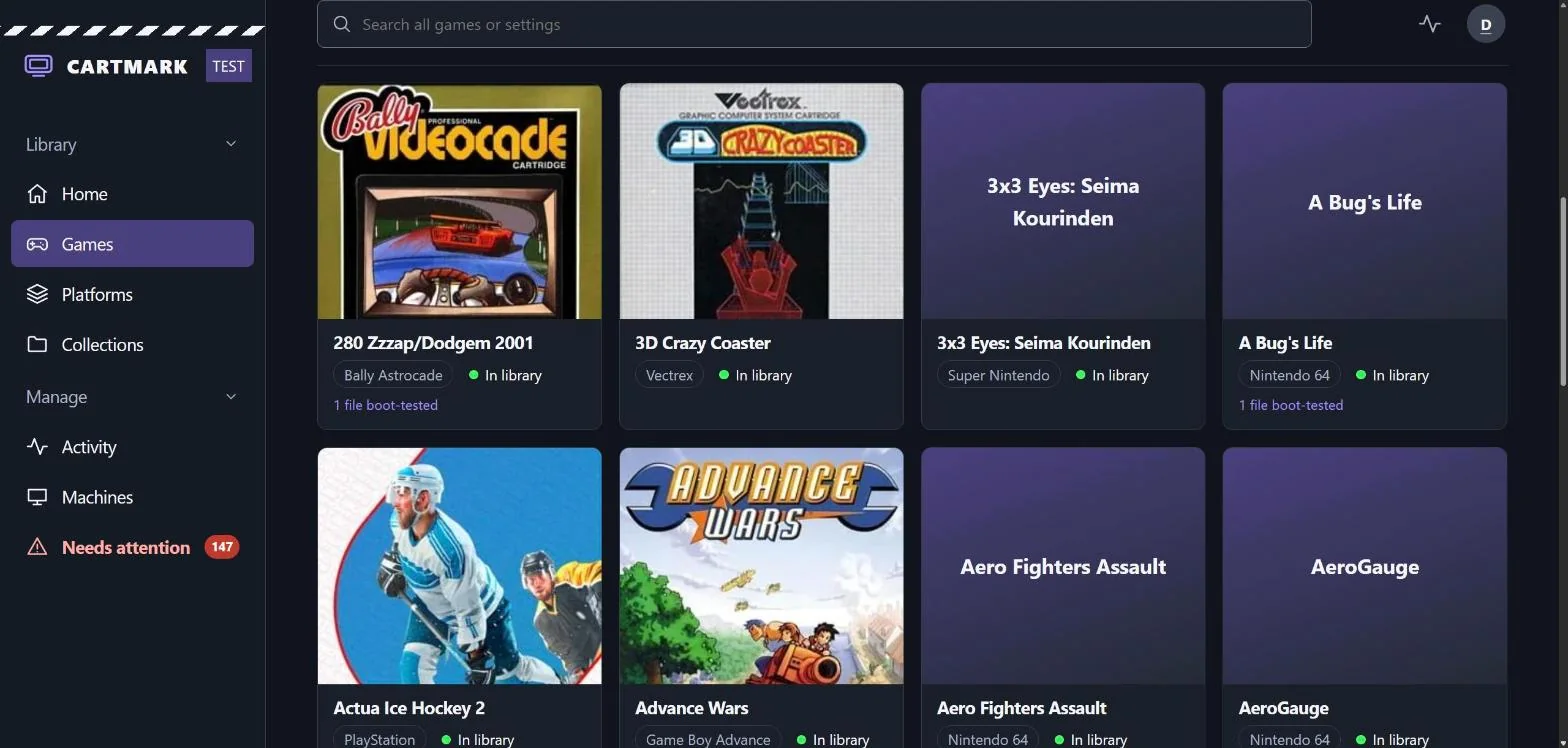
The search box finds games as you type, and places in Cartmark too, each linking to its page and to the systems it is on.
A franchise with nothing in it yet
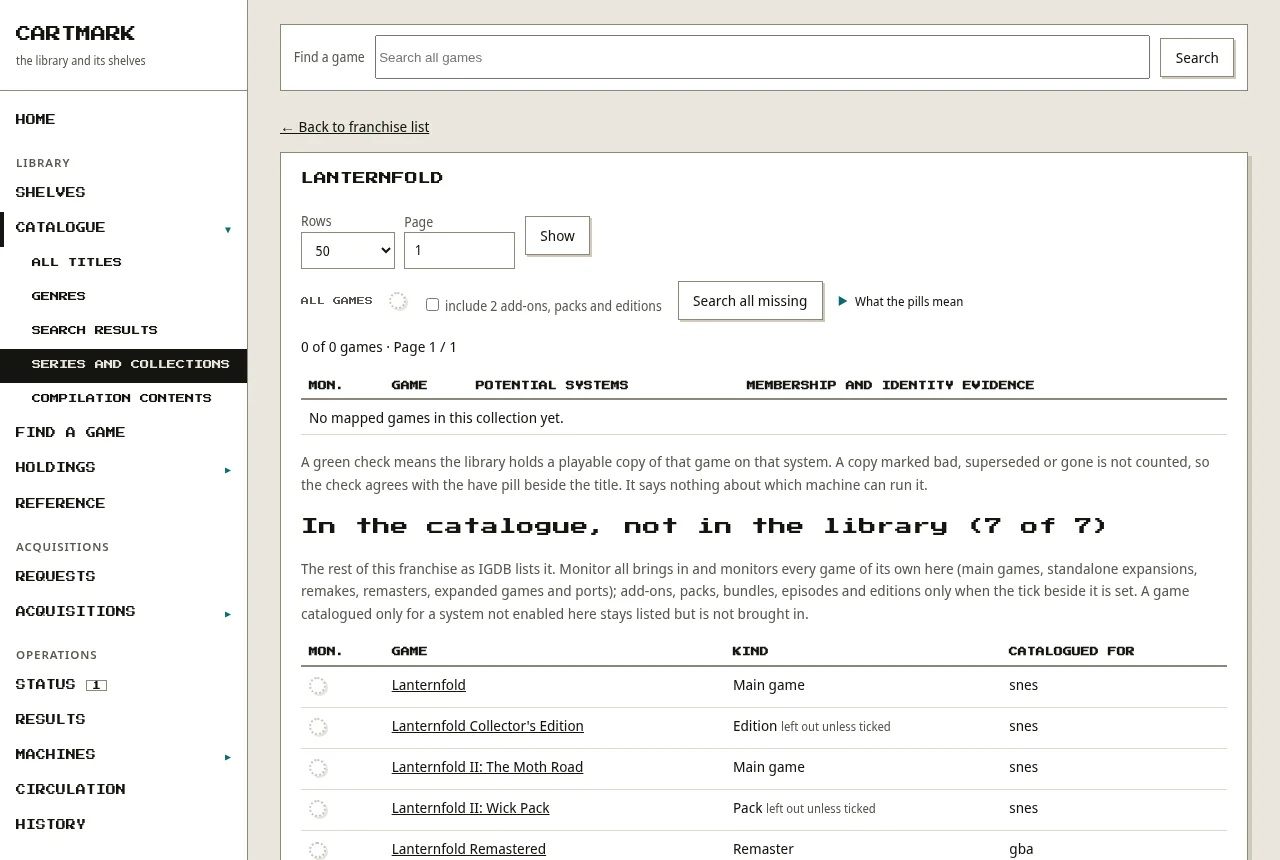
A franchise, series or character you hold nothing of is still listed with every game the catalogue knows for it, each with its kind. One press on its pill brings in and watches for the games of their own (main games, remakes, remasters, ports); add-ons, packs and editions come too only when the tick beside it is set. From ten games it asks first, and the searches join the usual paced round rather than going out at once.
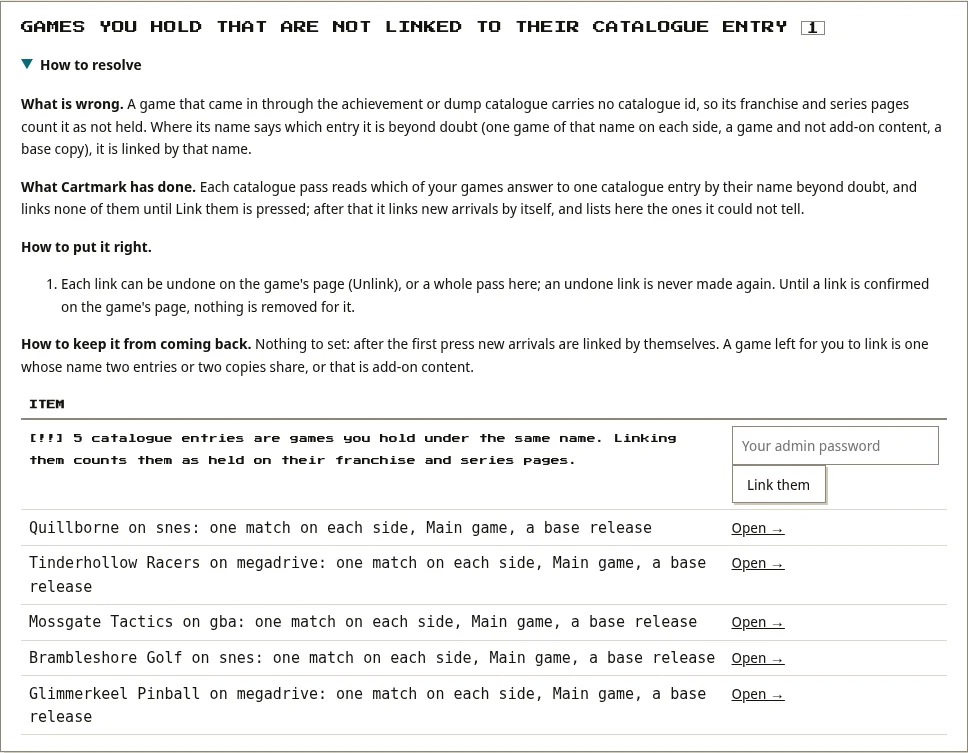
Games you already hold but that came in without their catalogue entry are linked to it by name, only where nothing else could match: one game of that name on each side, a game and not add-on content. Nothing is linked until an admin presses once, and every link can be undone.
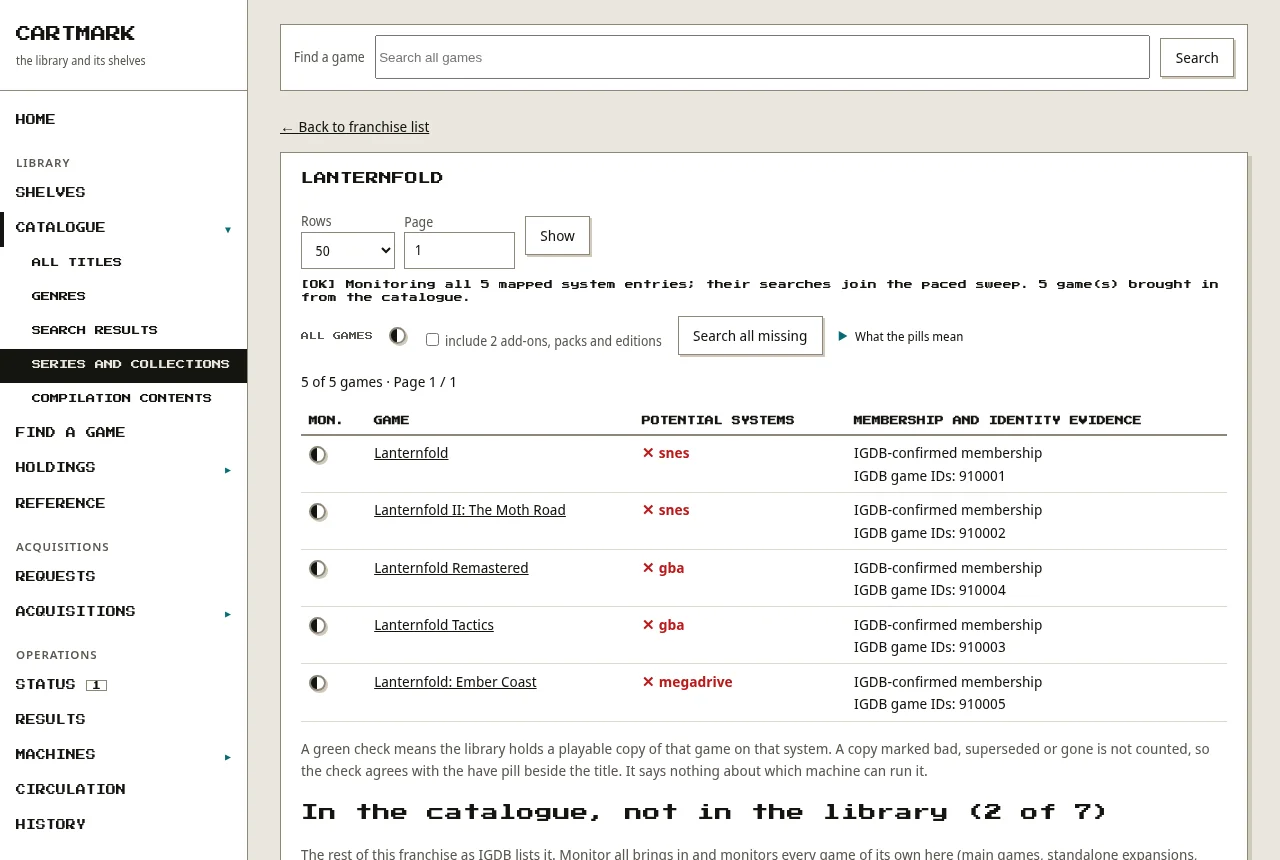
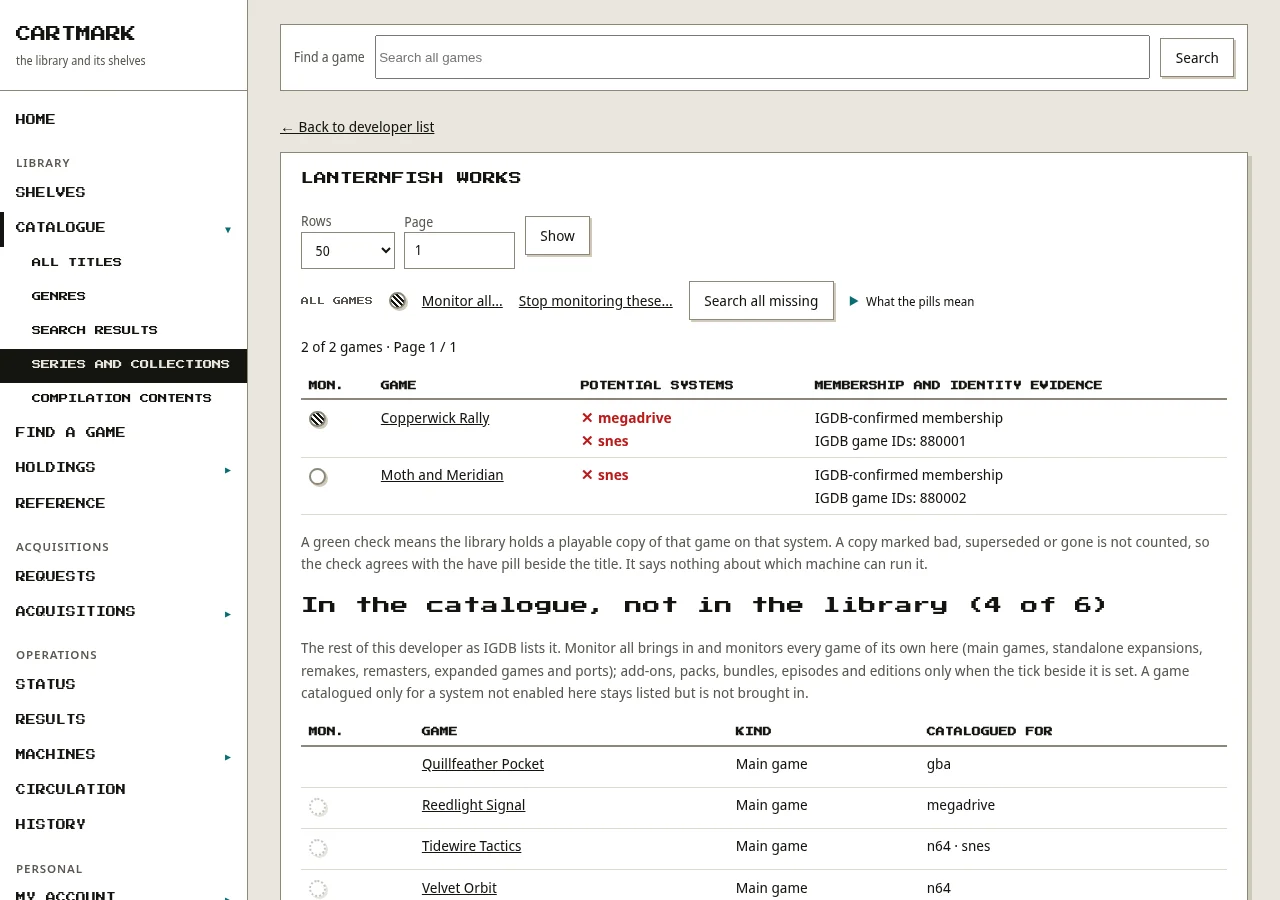
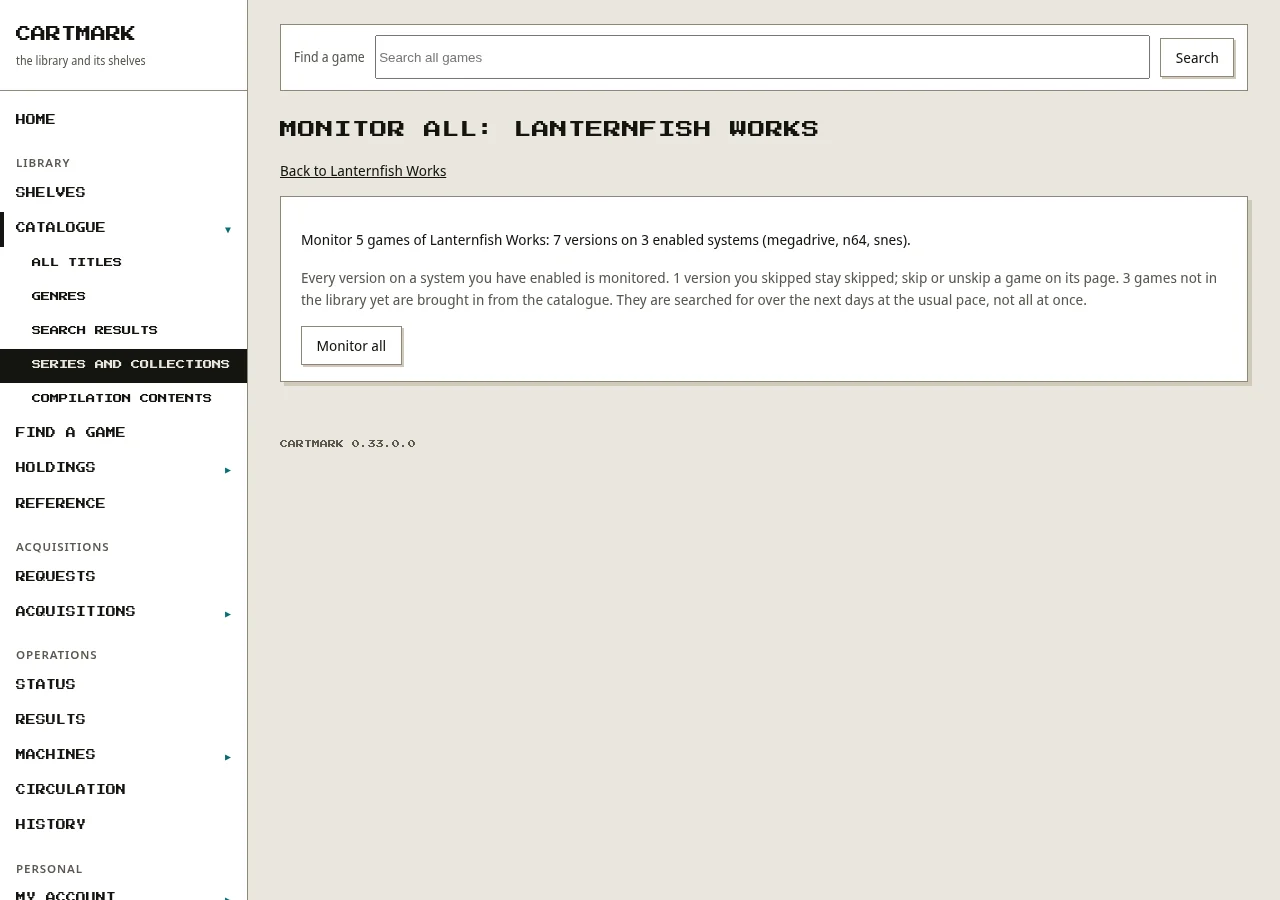
Developers and publishers too. Every company the catalogue names is a grouping beside franchises, series and characters. An admin monitors a whole grouping with Monitor all: first a page says how many games and versions on which systems, the room they would need, the skips that stay and the games brought in from the catalogue, and the press then acts on exactly that, refused if the grouping changed in between.
Each system's Redump and No-Intro list
A system's page lists the releases its Redump or No-Intro list knows, filtered by region, with what is held against each. Monitor all not held puts every missing game of the list on the wanted list in one press, after a page that says what it will do; a game the catalogue has no link for is added by name. A console disc the scan could not read whole is cleared by its list entry, and a ROM with no header is settled by its checksum. One release is monitored per game, and a set fetch's running count shows on the system's list.
Knowing each file
- Checksums against No-Intro and Redump, which say which exact release a file is, whatever it is called on disk.
- RetroAchievements: each file is hashed the way RetroAchievements does it, so every game shows a green mark (current achievement set), red (an older dump that used to be supported) or grey (never supported). Where a game is held without the dump RetroAchievements accepts, the system's page lists the upgrade.
- Serial numbers read from inside disc images (Xbox, PlayStation, PSP, 3DS) are checked against the name, which caught 57 Xbox games stored as one. PC Engine CD, PC-FX, 3DO, CD-i and Amiga CD32 discs are known by the label each disc carries.
- What is inside a download decides its system: a game zipped inside its download is opened one level more, a GameCube or Wii disc that came with a small Windows tool goes on as the disc, a disc's dump logs with no disc are recognised as no game, and an Android app inside a console's download means that download is discarded.
- Firmware an emulator needs is listed for you and checked by hash once you have supplied it. Cartmark ships none: firmware and keys come from the server's owner, or from a household member for their own household's machines, admitted by a trusted checksum and never by its name, and About lists every accepted filename and checksum. Firmware by household.
What only you can decide carries one button
Since 0.39 a blocked import mostly settles itself. Needs attention has Re-check these, for the whole list, one system or one cause, and a download's own page has Re-check now. What today's readers prove is filed and checked by itself; what they cannot is left blocked with the reason found now. The same re-check runs by itself whenever detection learns something new. For the rest: Not this: search again refuses that download and looks for the game again, and Put it on the Windows shelf moves a PC game that a console's search brought onto the game's Windows release.
Searching the sources you configure
Cartmark ships with no sources. For titles on your wanted list it can search the indexers and download clients you have set up yourself (it speaks to Prowlarr, SABnzbd and qBittorrent), and watch any feed you add. Every download is checked against the lists above before it joins the library; anything that doesn't match is held back. A wanted game that's already owned on GOG or Steam is fetched from that store instead of searched for.
Every system has a download size ceiling, checked before a search result is sent to a client and again once the real size is known; an admin can grant one game an exception. An archive.org item's files are read before it is fetched, so a console's search no longer brings home a computer's download.
Big disc images are converted to space-saving formats (CHD, RVZ) only after the converted copy is read back and matched. The original is set aside, never deleted.
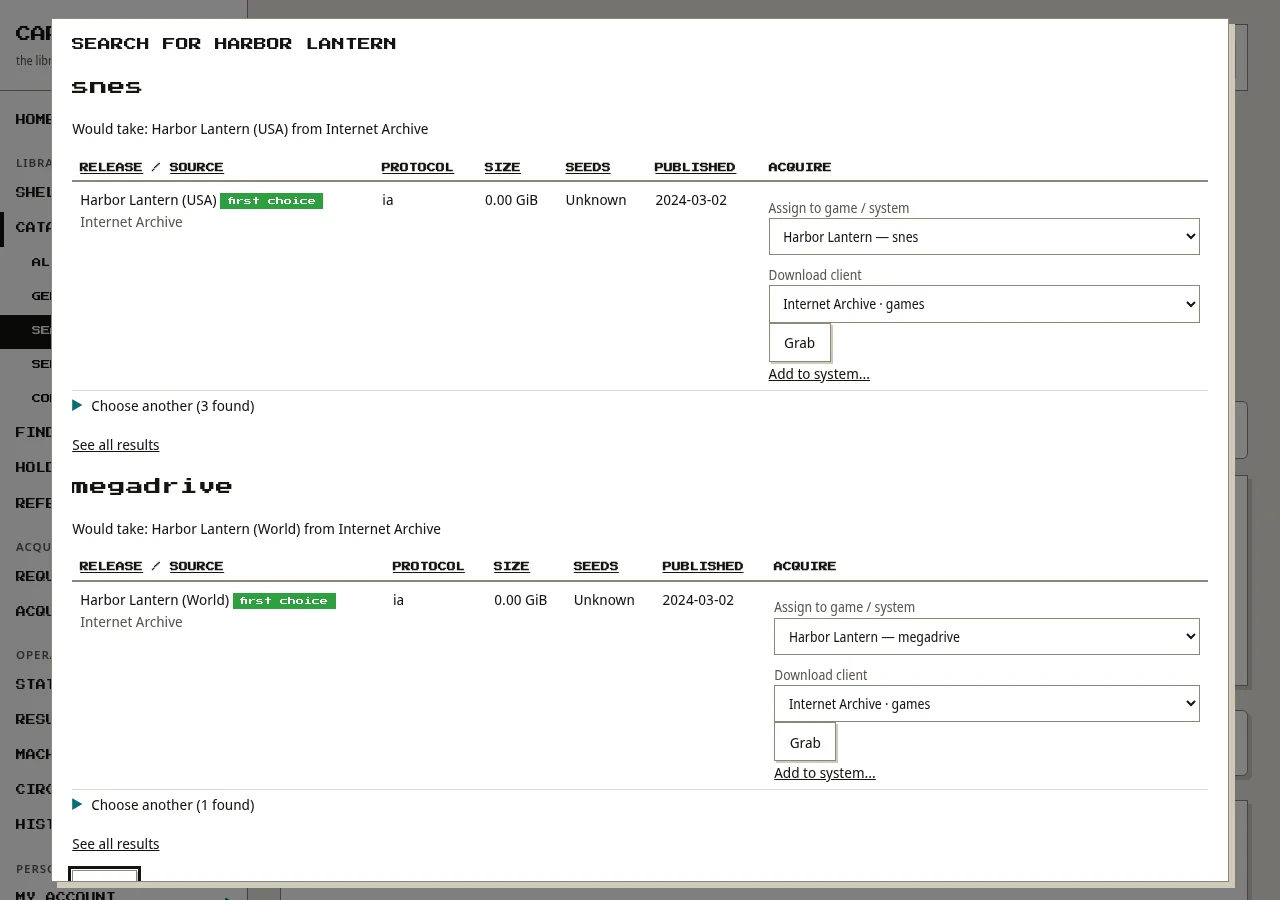
A search you can watch. Searching for a game queues its searches and a window over the game's page follows them; when they finish it shows, for each system, what automatic downloading would take (or why it would take nothing), with the Grab buttons and a way to choose another. A source that cannot be reached is said in plain words.
A computer game arrives whole. A Windows game downloaded as a folder (its program and its data) is placed as one game, with a small start file beside it, and recorded once, never as loose files. One downloaded as an installer is kept as that game's installer, with all its parts.